Colorboy is now available! Get the complete film lab for $199 during the launch period. Regular price rises to $349 after.Get

Color for filmmakers.

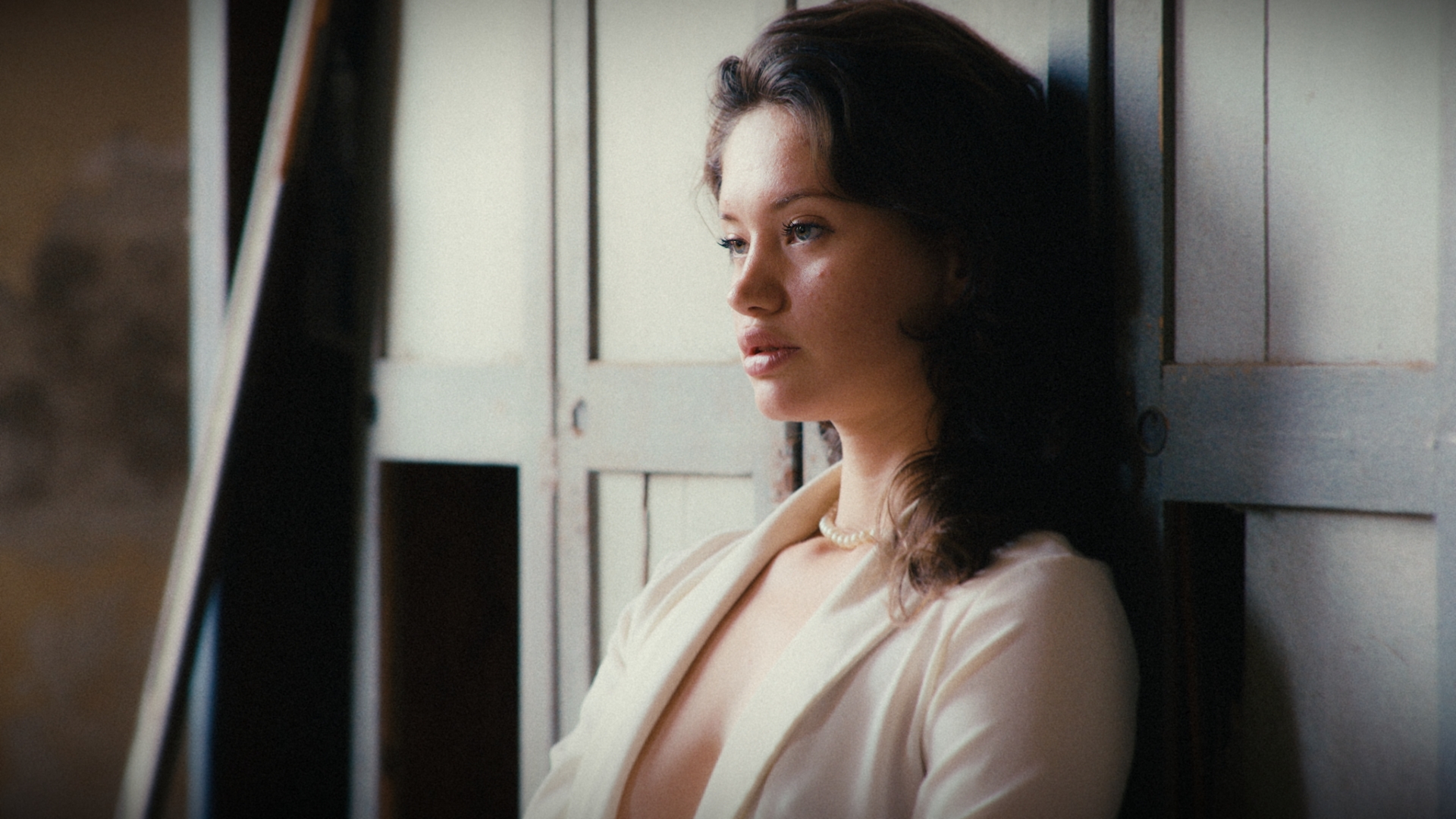
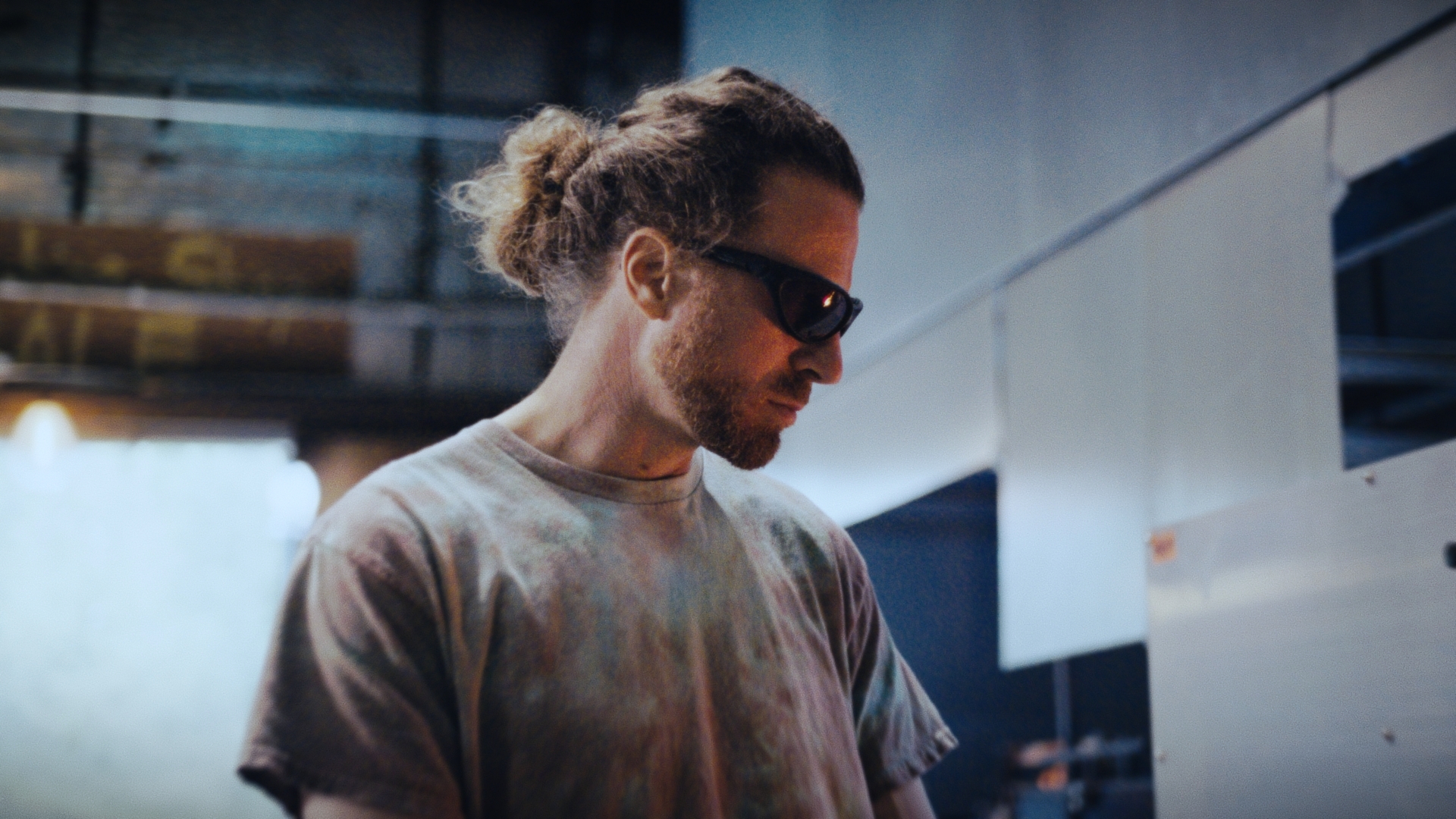
We bring the soul of celluloid back to digital video.
Download for macOS

Micro-adjustments.
A Filmmaking Tool.

A color processor to recreate the color style of classic cinema.

Designed with granular controls that let you make micro-adjustments with absolute precision.

Colorboy plugin interface

Explore The Color

Base
Fujifilm Eterna 250D
Fujifilm Eterna 250DRec.709

1. Camera

Camera

The color transform native to the sensor (CST — Color Space Transform). It converts the camera's log signal into a consistent working space, no matter which camera the footage came from. This is the entry point — everything downstream assumes the image already lives in this common space.

Meet Colorboy

Colorboy is here. The color process in our demonstration video.

Meet Colorboy

Built to Experience Color

Colorboy is written for Apple Silicon. This isn't a marketing decision—it's an engineering one.

The entire pipeline—Camera → Light → Emulsion → Print Lab → Character—runs natively on Metal, directly on the GPU. No middleware, no translation, no compromises.

Apple Silicon and Metal merge with Colorboy's internal color core. Every pixel is processed in real time, so no matter how demanding your timeline, it delivers the fastest, cleanest, and most accurate color rendering your Mac has ever done.

This architecture—unified memory, a hardware standard—is what makes instant, artifact-free, frictionless color conversion possible.

We didn't build for the average user. We built for the most consistent color engine available today. Colorboy isn't a plugin adapted for Mac. It's a plugin born for Mac.

Who is Colorboy for?

Unified color design. Colorboy is specifically built for image professionals seeking ultimate aesthetic excellence and consistency across their projects:

Colorists: To accelerate and refine the Film Look Design process with high-precision profiles and mathematical transforms, tailored for demanding color workflows.

Filmmakers: To achieve a top-tier cinematic aesthetic directly, swiftly, and fluidly, streamlining post-production timelines.

DOPs (Directors of Photography): To ensure the visual intent captured on set translates accurately and organically onto the final screen through faithful color management.

Art Directors: To guarantee that color palettes, textures, and atmospheres designed during production are preserved and enhanced with maximum chromatic fidelity.

Designed for Mac. Optimized for the set and the studio.

We created the Lite version with one clear purpose: to give independent filmmakers a robust, frictionless tool. It's not a time-limited trial, and it doesn't export with watermarks. It's a free, clean tool, ready to be integrated into your commercial projects today.

Built from the ground up for Metal and natively optimized for Apple Silicon, the software squeezes every last drop of performance from your Mac's unified memory. Forget about rendering the cache. Apply the look and edit at native 24 FPS on your MacBook Pro, anywhere, while maintaining thermal performance and optimizing battery life.

The color of cinema, simplified.

The Lite version delivers the essence of cinematic color: the clean, legendary profile of Kodak Vision3 250D negative, mathematically precise mapped for Rec.709 workflows. Less time setting up, more time creating.

Expand your lab with the Pro version

If your work environment demands greater flexibility and industrial-level control, the Pro version unlocks a complete color management ecosystem.

  • Advanced workflows: Native support for DaVinci Wide Gamut (DWG), and Log curves for film cameras.
  • Print Lab section: Full control over the density of analog print positives.
  • Deliver tools: Advanced export options for exhibition masters.
Colorboy Versions
Colorboy Lite
Colorboy Pro
Host
DaVinci Resolve 19.1.4+
Operating Systems
macOS 13+ Apple Silicon
Price
Free
$199 Early Adopters
Device Activations
Up to 1 Mac
Up to 2 Mac
Input
Standard Rec.709 Gamma 2.4
Standard and DaVinci WG/Intermediate
Source
Rec.709 Bypass · Apple Log · Apple Log2 · ARRI LogC3 · ARRI LogC4 · BMDFilm Gen5 · BMDFilm Gen1 · Canon C-Log2 · Canon C-Log3 · DJI D-Log · Fujifilm F-Log · Fujifilm F-Log2 · Nikon N-Log · Panasonic V-Log · RED Log3G10 · Sony S-Log2 · Sony S-Log3
Exposure
Exposure: Enable · Blend · Exposure
White
Enable · Blend · Kelvin · Tint
Development
Push/Pull · Toe · Mids · Shoulder.
Push/Pull · Pivot · Toe · Mids · Shoulder · Mid Gray Selector
Color Body
Enable · Blend · Color · Vibrancy · Density · Richness
Mid Gray Targets
Studio Standard · ARRI LogC3 · ARRI LogC4 · Apple Log · BMD Film Gen5 · Canon Log2 · Canon Log3 · DaVinci Intermediate · Fuji FLog · Fuji FLog2 · Panasonic VLog · Nikon NLog · RED Log3G10 · Sony SLog3
Emulsion Layer
Kodak Vision3 250D
Fujifilm Eterna 250D · Fujifilm Super F-125 · Kodak Vision3 250D · Kodak Vision3 500T · Eastman Double-X · Kodak Vision2 250D
Print Lab
Fujicolor Eterna 3513
Fujicolor Eterna 3513 · Kodak Premier 2393 · Kodak Vision 2383
Range
Bleach Bypass
Printer Lights
Deliver
Rec.709 · sRGB · P3-D65 · P3-DCI · Display P3
FreeFor independent filmmakersDownload free
$199Early Adopter. LifetimeBuy Colorboy

Introductory price: Unlock the complete film lab for $199 during the launch phase (August–September). Starting October 1, the lifetime license will be priced at $349.

Buy Colorboy

Colorboy Lite

Core color. Essential tools.

Free

Download free
For indie filmmakers. Everything you need to bring pure film color to your daily edits.
Pro

Colorboy

Color Science. Each module. Complete pipeline.

$199

Buy Colorboy
For colorists, cinematographers, and high-end productions demanding total control.
Early Adopter. Lifetime

System Requirements

macOS 13+ / Apple Silicon M1+ / DaVinci Resolve 19.1.4+ or higher (Free and Studio)

Colorboy User Manual

Download the PDF

Support

Colorboy runs on Apple Silicon Macs with DaVinci Resolve 19.1.4 or later — Free and Studio.

Multi-device

Colorboy Pro includes 2 activations. Use it in the studio and on your personal Mac — switch anytime from FutureFx Studio.

DaVinci Resolve

Host

Built natively for DaVinci Resolve — the industry standard for professional color grading.

Frequently Asked Questions

Colorboy is a film color processing OFX plugin for DaVinci Resolve. It emulates the behavior of real film negatives through a six-stage pipeline: Camera, Light, Emulsion, Print Lab, Character, and Deliver. Colorboy is built to emulate the density, color response, and curves of real film stock — giving you an authentic technical foundation to work from. From there, its tools and stages guide you into Look Development: the creative process of turning that foundation into your project's unique visual identity.
Colorboy runs exclusively on Mac with Apple Silicon (M1 or later), on DaVinci Resolve 19.1.4 or later. It is not compatible with Intel Macs or Windows.
Minimal system impact. Colorboy is built with code optimized exclusively for Apple Silicon, taking full advantage of Metal GPU power. Smooth playback, no overhead, no lag.
Yes. Colorboy works with both DaVinci Resolve Studio and the free version — verified from version 19.1.4 onward.
None. In our technical testing, we've verified the plugin performs identically in Studio and Free.
Colorboy Pro includes the full color pipeline: all six stages — Camera, Light, Emulsion, Print Lab, Character, and Deliver — with every section active, including Bleach Bypass and Printer Lights. Allows 2 simultaneous activations. Recommended for color studios that need full control over the emulsion look. Colorboy Lite runs the same color processing core, with essential controls, built for independent filmmakers.
Yes. If you already have your own conversion pipeline before and after Colorboy, it integrates naturally into your workflow.
Colorboy handles two input modes: Standard, for timelines without color management, and DWG, for managed color workflows. Check the user manual for more detail. If you prefer to handle your own LOG to Rec.709 conversion in parallel, you can — just disable the Camera section.
Pro allows 2 simultaneous activations. Lite allows 1. You can deactivate a device from FutureFx Studio to free up a slot and activate on another Mac. Applies to the Pro version.
Only to activate your license the first time. Once activated, Colorboy works offline.
Download the FutureFx Studio application from the link in your purchase email, open the app, enter your purchase email and license key, and click Authorize. The plugin installs automatically in Resolve.
Updates are downloaded directly from the FutureFx Studio app whenever a new version is available.
Yes. Colorboy Pro is a lifetime license and includes all future updates. Check for new versions anytime using the Check Updates button in FutureFx Studio.
macOS 13 Ventura or later. Apple Silicon M1+.
During the launch period, Colorboy is available to Early Adopters at $199. After that period, the regular price is $349.
We don't offer refunds — all sales are final. We provide detailed technical information, images, videos, and the complete user manual, so you can make an informed purchase decision.
Reach out to us directly at hi@futurefxstudio.com. We personally respond to every inquiry within 24 hours.

Sign up here to receive our newsletter.

We want every email to be helpful, so we'll only contact you when we have new products or important updates.

The New Color StandardThe New Color StandardThe New Color StandardThe New Color Standard

Colorboy: A color processor that reaches its full potential through precise user customization.

Colorboy: Emulates the behavior of film negatives through a six-stage pipeline, giving you an authentic technical foundation to develop your project's unique visual identity.

Get